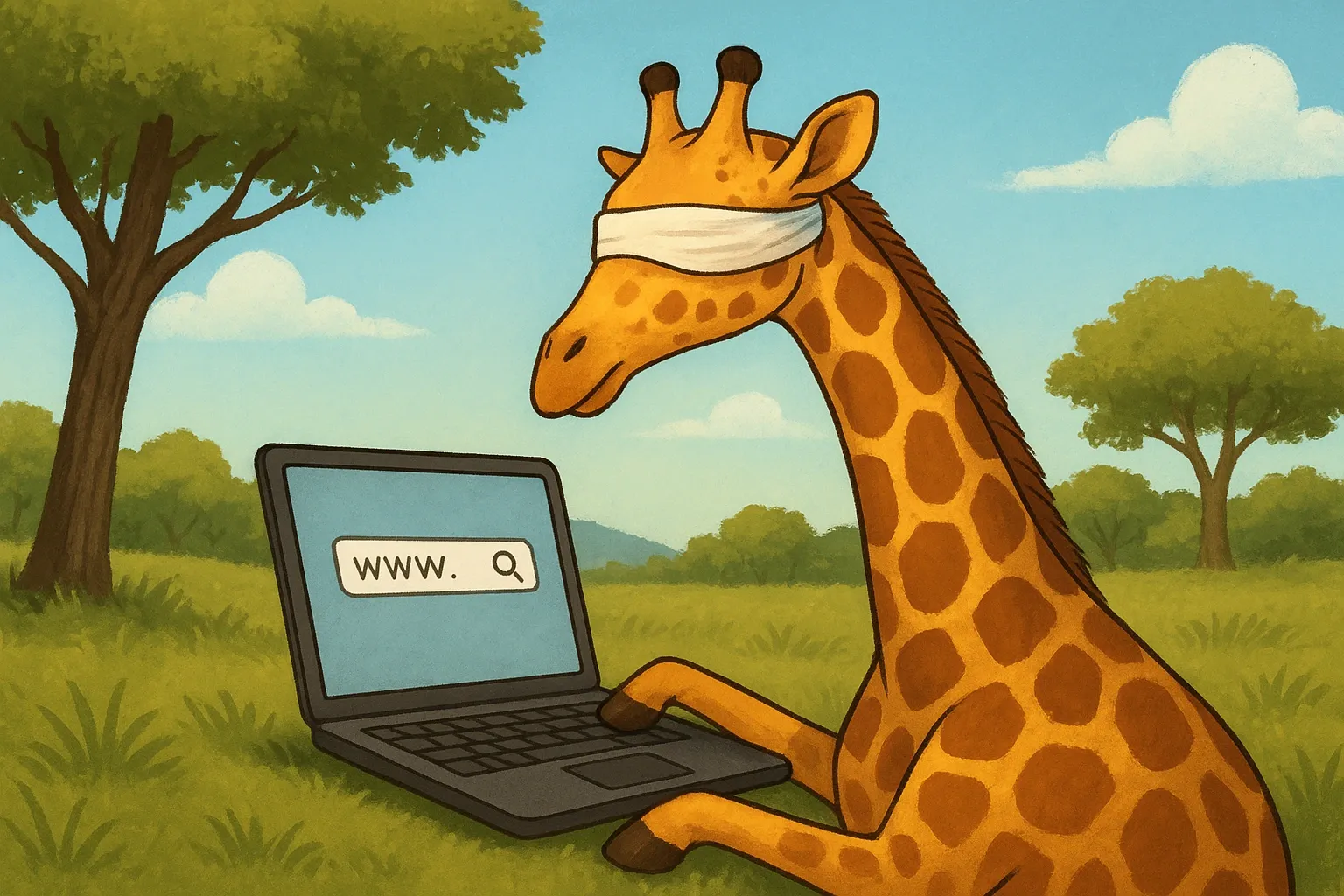
HTML Semantics
Wrapping each bit of text on the page is a HTML element. There are many types of elements available, each with a unique ability.
We might use a p element to wrap a paragraph, giving it spacing above and below it.
<p>
  This is an example paragraph.
</p>
Lorem ipsum dolor sit amet, consectetur adipiscing elit. Morbi fermentum pretium ligula sed euismod. Nullam non neque euismod, sollicitudin leo quis, tincidunt nunc.
We might use a strong element that adds bold formatting to the text.
<strong>Lorem ipsum</strong>We might even use button to create a button.
<button>Click me</button>We use these different elements to change the functionality of the text, but we can use them to communicate the purpose of the text to automated systems too.
People who are visually impaired use screen readers to browse the web. Instead of displaying the image of the webpage, the specialised program reads each bit of text.
Web pages can have a lot of text, so its important that screen readers are able to find the content the user is looking for.
The screen reader will generally begin by reading the page title to the user.
<title>
  HTML Semantics
</title>
The user may then jump to a particular section of the page using the ; key, such as the navigation menu, the search bar, or the main content. These areas are called ARIA landmarks.
They may instruct the screen reader to read each heading on the page using the H key. Once a heading is selected they can press Enter and the down arrow to have the screen reader read the text underneath.
<h1>HTML Semantics</h1>

<p>This is an example paragraph</p>

<h2>What is HTML</h2>
<p>This is an example paragraph</p>

<h2>What is CSS</h2>
<p>This is an example paragraph</p>
They may also instruct it to read each link on the page using the INSERT + F7 shortcut.
<a href="/posts/what-is-html">What is HTML<a>
<a href="/posts/what-is-css">What is CSS<a>
Without using these HTML elements the screen reader has no way of picking out titles, headers or links.
<div>HTML Semantics</div>

<div>This is an example paragraph</div>

<div>What is HTML</div>
<div>This is an example paragraph</div>

<div>What is CSS</div>
<div>This is an example paragraph</div>